

 Zoe Yu
 Custom tote bag artwork version control matters when a buyer has more than one logo file, colorway, label, market or packing version. For MOQ 500+ projects, the risk is not only whether the first logo looks good. The bigger risk is that the final sample, bulk order, hangtag and carton files are approved from different artwork versions.
Send Artwork Version Brief Review Logo File Freeze Check Sample Artwork Scope
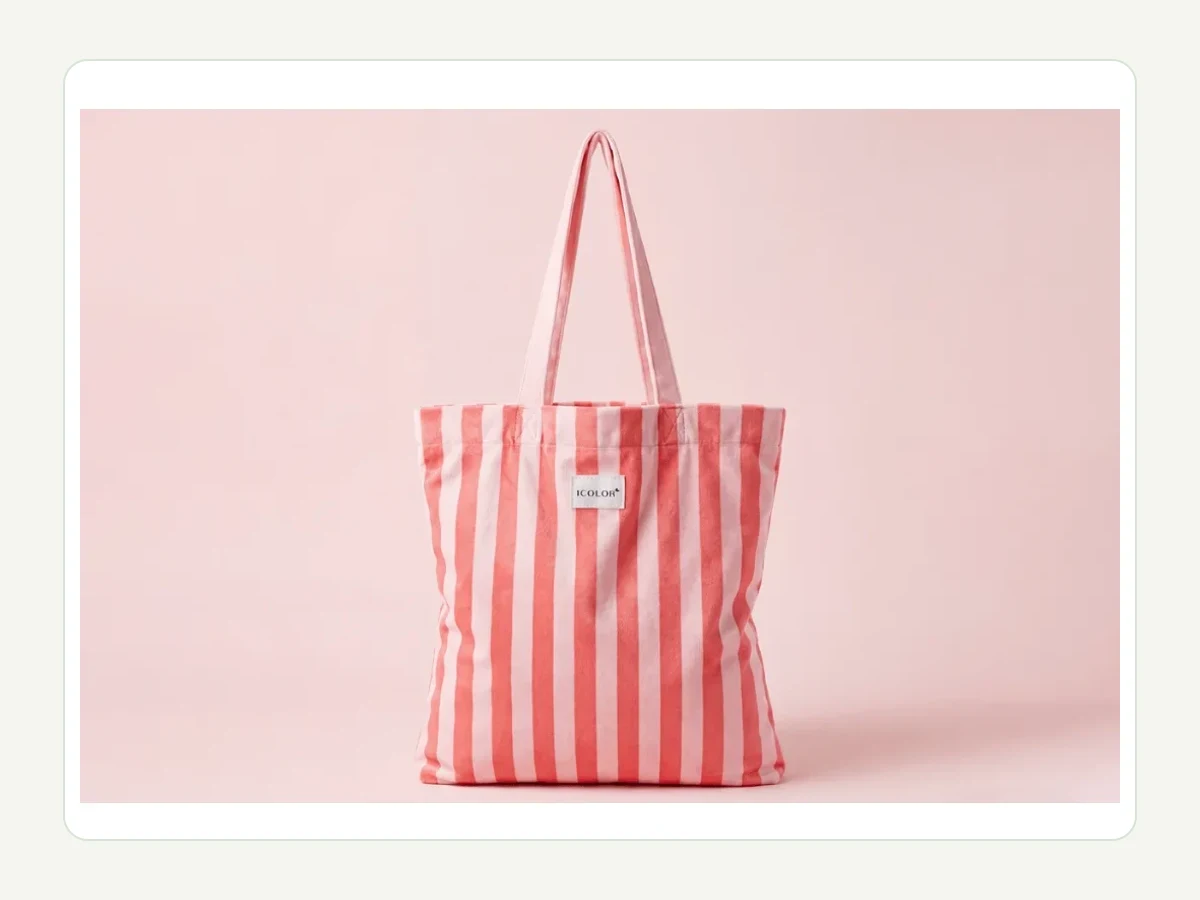
A MOQ 500+ tote order needs one approved file set for logo, color, placement, labels and packing before bulk begins.
Buyer Summary
This guide helps brand, retail, hotel, event and private-label buyers control artwork versions before sampling and bulk production. It explains how to freeze logo files, placement, color references, hangtag or barcode artwork, sample approval files and final bulk files. The goal is a cleaner RFQ and fewer late artwork corrections.
Quick answer
Before sampling, send one controlled artwork folder with logo file, placement, size, color reference, label or barcode files, version names and approval owner. After sample approval, freeze the final file names and require any later artwork change to be reviewed against sample, cost, timing and packing impact.
What should artwork version control include?
| Area | What to confirm | Why it matters |
|---|---|---|
| Logo file control | Editable logo file, final export, size, placement and approved version name. | Prevents sample and bulk teams from using different logo versions. |
| Color control | Color reference, material color, print color, colorway names and any tolerance note. | Keeps digital approval and physical sample review connected. |
| Label and barcode files | Hangtag, care label, barcode, insert card or sleeve artwork when used. | Stops retail files from drifting away from the approved tote artwork. |
| Bulk freeze rule | Final file folder, approval owner and late-change process before bulk starts. | Gives the buyer and supplier one shared control point. |
Color management is a file discipline issue as much as a design issue. International Color Consortium color management [1] is useful background for why color references and profiles should be handled consistently across artwork and output files.
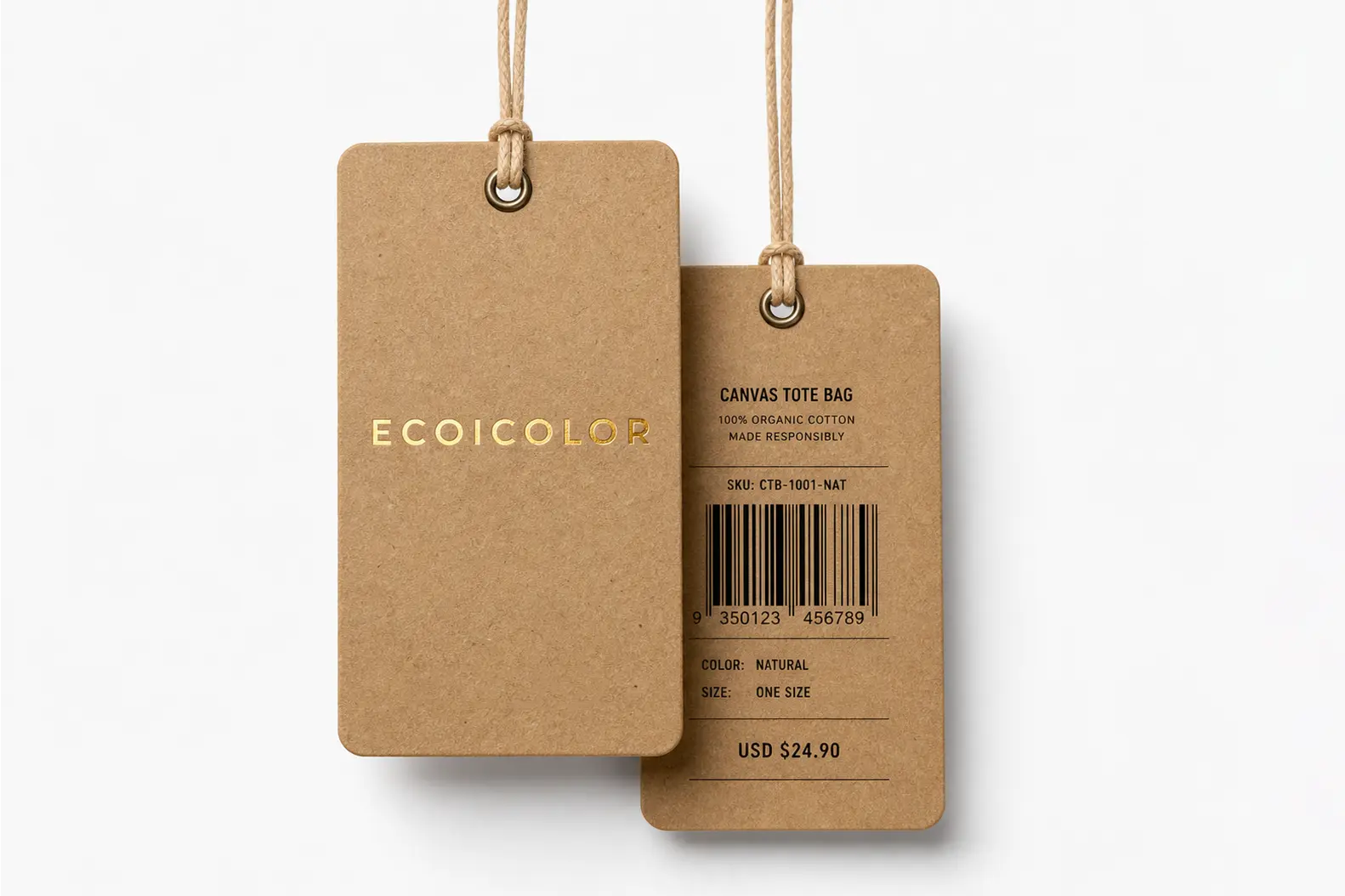
If the tote or hangtag carries barcode data, the barcode owner and artwork placement should be confirmed before print files are released. GS1 barcode planning guidance [2] is useful background for retail file planning.
The supplier and buyer should both know which artwork file controls the sample and bulk order.
- final file name
- logo size
- color reference
Where do custom tote artwork files usually drift?
Logo placement
A mockup shows one position, but the physical panel, seam or handle drop changes the final location.
Color naming
A colorway name changes between artwork, sample approval, hangtag and carton mark.
Retail files
Barcode, hangtag or label files are approved later than the tote sample and create a second version trail.
The right review path should be chosen from the buyer's real project use, not from a generic tote mockup. A brand, retail, hotel, GWP, event or private-label order can share the same tote shape but require different approval files.

How should artwork files connect to sample approval?
If textile labels, fiber content or responsible-party context appears in artwork, review wording before the sample becomes the production standard. FTC textile labeling guidance [3] is useful background for why label wording belongs inside the artwork control file.
For export orders, origin or marking wording may also touch artwork and packing files. CBP origin marking guidance [4] is useful background for U.S.-bound import marking context.
Useful related routes include the primary supporting page, the related buyer guide, the secondary route page.
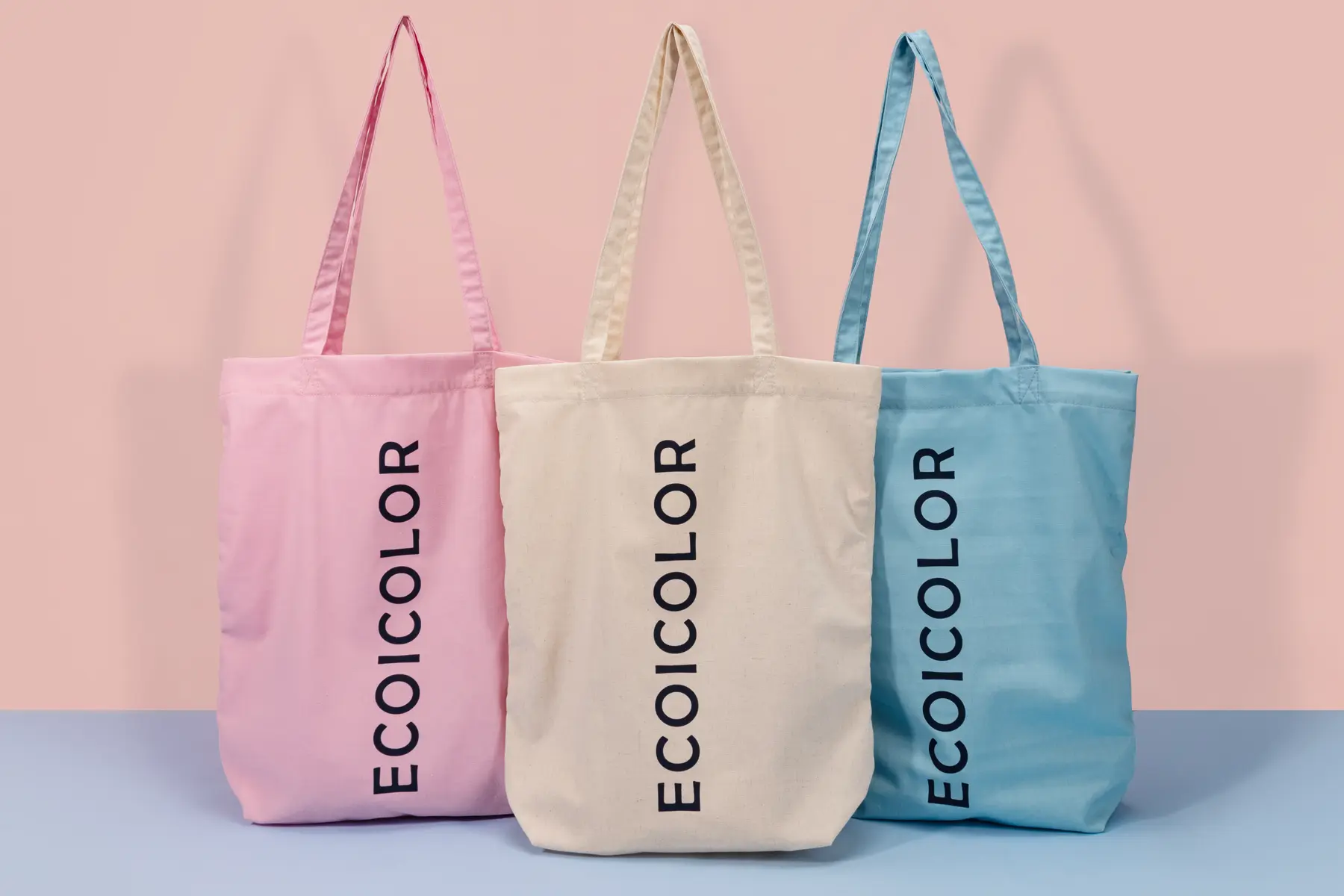
A multi-color tote order should define which file belongs to which colorway, market or packing version.
- colorway
- market version
- packing version
Artwork Freeze and Version-Control Checklist
Disclosure: This is a planning checklist, not a customer case or reported project result.
- Use one final folder for logo, hangtag, barcode, SKU and color files.
- Match filenames and version dates to the approved sample.
- Lock logo size, placement and color naming before bulk handoff.
- Require written reapproval when any released file changes.
When artwork control is worth the effort
Best fit: brand, retail, GWP, hotel, event, university and private-label buyers planning MOQ 500+ custom tote orders with multiple logo files, colorways, label files, barcode artwork or market versions.
Less suitable: single-piece gifts, blank stock orders, one-color no-label projects where the buyer has no final logo file, or price-only requests that do not share artwork before asking for bulk production.
Artwork, trademark and file wording note
Brand marks, color systems, barcode systems, certification names and import wording belong to their respective owners or authorities. Ecoicolortote can review production file scope for a specific project, but final brand artwork, trademark permission and public claim approval remain the buyer responsibility.
FAQ
What is custom tote bag artwork version control?
Custom tote bag artwork version control is the process of naming, approving and freezing the exact logo, color, label, barcode and packing artwork files used for sampling and bulk production. It gives the buyer and supplier one shared file set so the approved sample, production file and final packing artwork do not drift apart.
When should artwork files be frozen?
Freeze the artwork file set after the buyer approves logo placement, color reference, sample result and any label or packing files that affect the order. If the buyer changes artwork after sample approval, the change should be reviewed for sample impact, cost, timing, print method and packing file impact before bulk production starts.
What files should be included in the artwork folder?
Include editable logo files, final exports, color references, logo size and placement notes, hangtag files, barcode files, label wording, market version names and packing artwork when applicable. The folder should also identify the approval owner and final file name so the supplier does not choose from several similar versions during production.
How does artwork version control affect sampling?
Sampling should prove the actual artwork route, not a placeholder. If the sample uses one logo size but the final file uses another, the buyer may approve a result that cannot be reproduced cleanly in bulk. Version control connects the sample to the final production file so approval has practical value.
What if the buyer has several logo versions?
List every logo version with quantity, colorway, placement and packing route. A 500-piece order split across several logos can be more complex than one 500-piece version. The supplier should review feasibility, setup, sample needs and packing separation before quotation so the buyer does not approve an unrealistic version plan.
Does this apply to hangtags and barcodes?
Yes. Hangtags, care labels, insert cards and barcode artwork can create late problems if they are approved separately from the tote sample. Retail and private-label buyers should treat those files as part of the same artwork control system because they affect packing, receiving, reorder files and final brand presentation.
Who should use this guide?
This guide is for brand, retail, GWP, hotel, event and private-label buyers planning MOQ 500+ custom tote orders with real artwork, label, barcode or version-control needs. It is not for personal gifts, no-brand blank bags, low-detail mockup browsing or buyers who cannot provide artwork before requesting production review.
Sources
About the Author
 | Zoe Yu is Sales Manager at Ecoicolortote. She helps overseas brand, retail, hospitality and event buyers review custom tote bag material routes, logo methods, MOQ feasibility, sample approval, packing requirements and bulk delivery planning before production. |