

 Zoe Yu
 An embroidered tote bag sample can match the approved thread color and still fail visually. Fabric puckering, unclear small text and connected letters are separate approval risks that need a physical stitch sample.
Send Embroidery ArtworkView Embroidered Tote Route
The approval is not only about thread color. Thin fabric can pucker, small text can lose clarity, and adjacent letters can visually join.
- fabric support
- letter spacing and scale
- backing and finished appearance
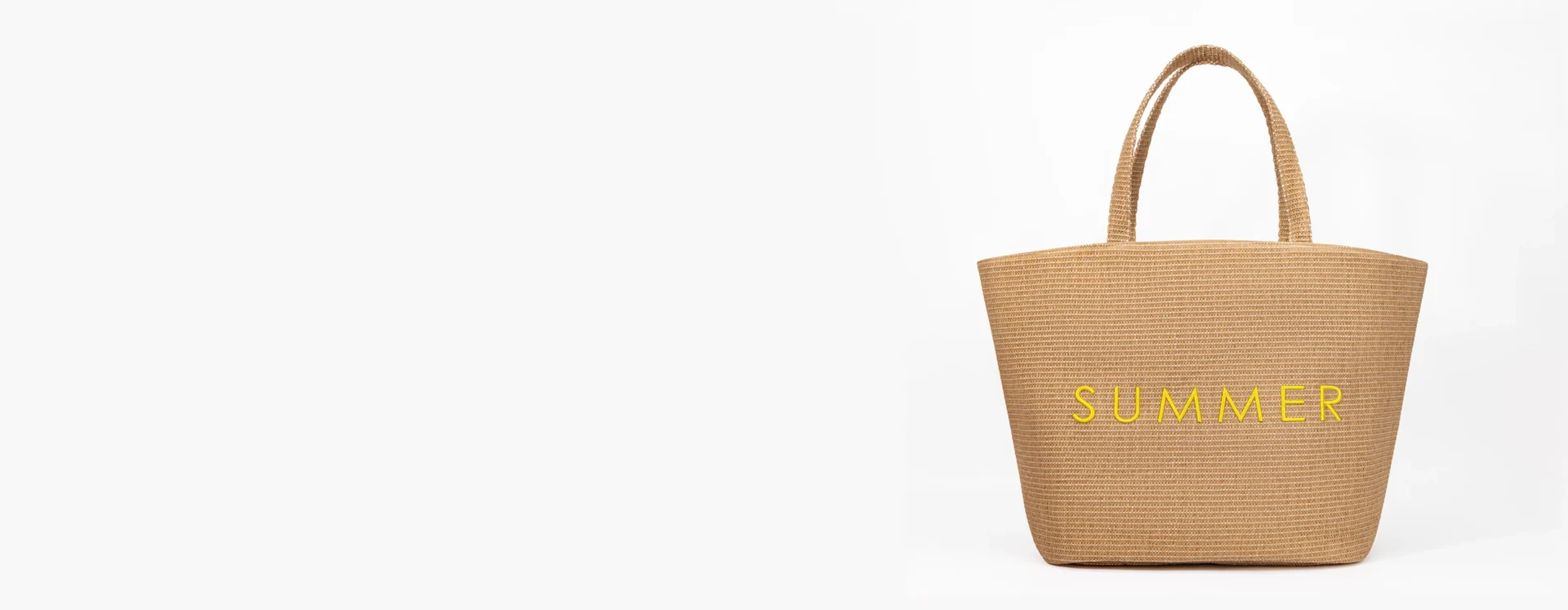
Quick answer
Send the vector logo, finished embroidery size, tote material/GSM and thread colors. Review the sample at actual size for letter separation, fabric distortion, backing, loose threads and placement. If the wordmark loses clarity, adjust scale, spacing, stitch file or fabric support before bulk.
This correction started with three visible embroidery defects
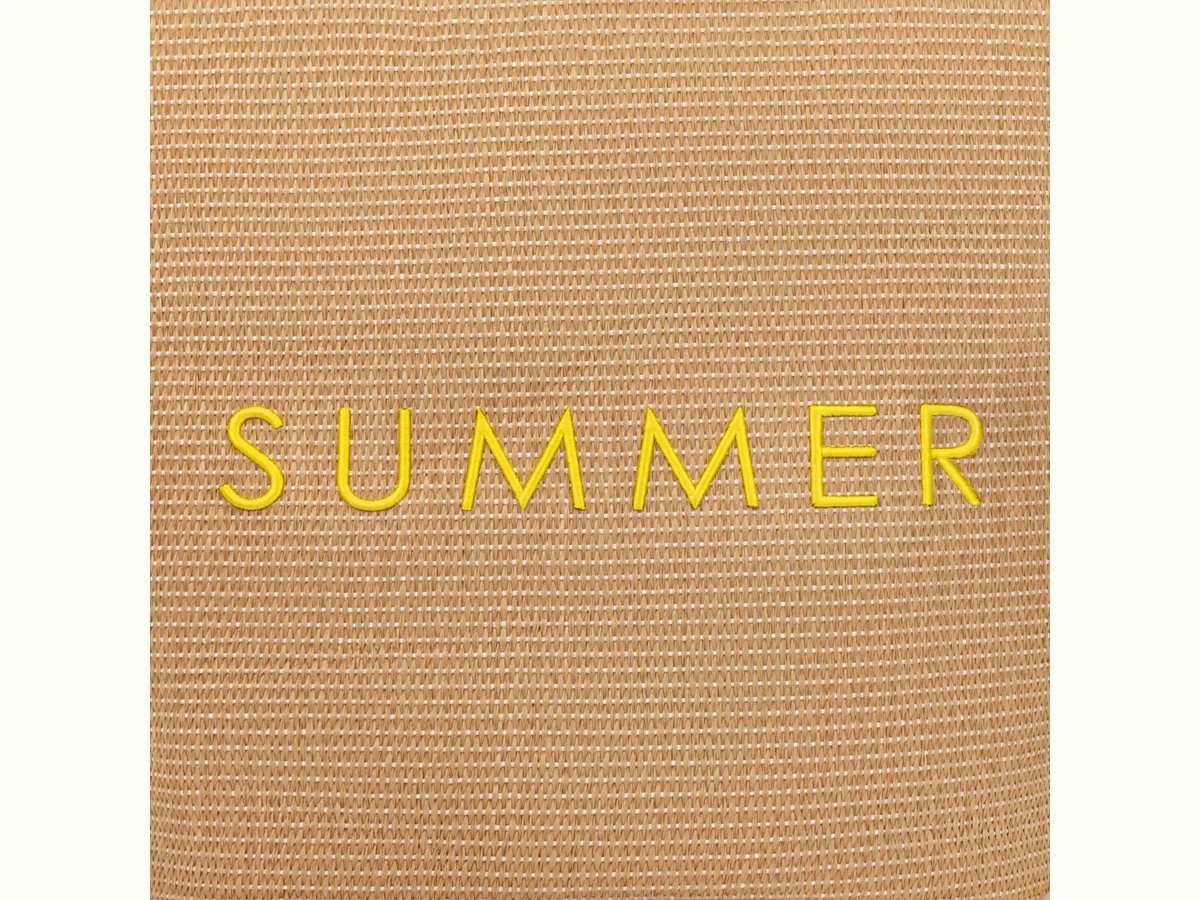
Real factory-side correction from Jolian: an embroidery sample showed fabric puckering, small letters that were not clear and letters visually connecting to one another. Thin fabric was not a suitable support for the embroidery route, the very small lettering needed adjustment, and the embroidery factory was asked to correct the connected characters because the joined wordmark did not look premium.
The provided modified-sample video is retained in the project evidence. No customer identity, quantity, country or commercial result is added to this account.
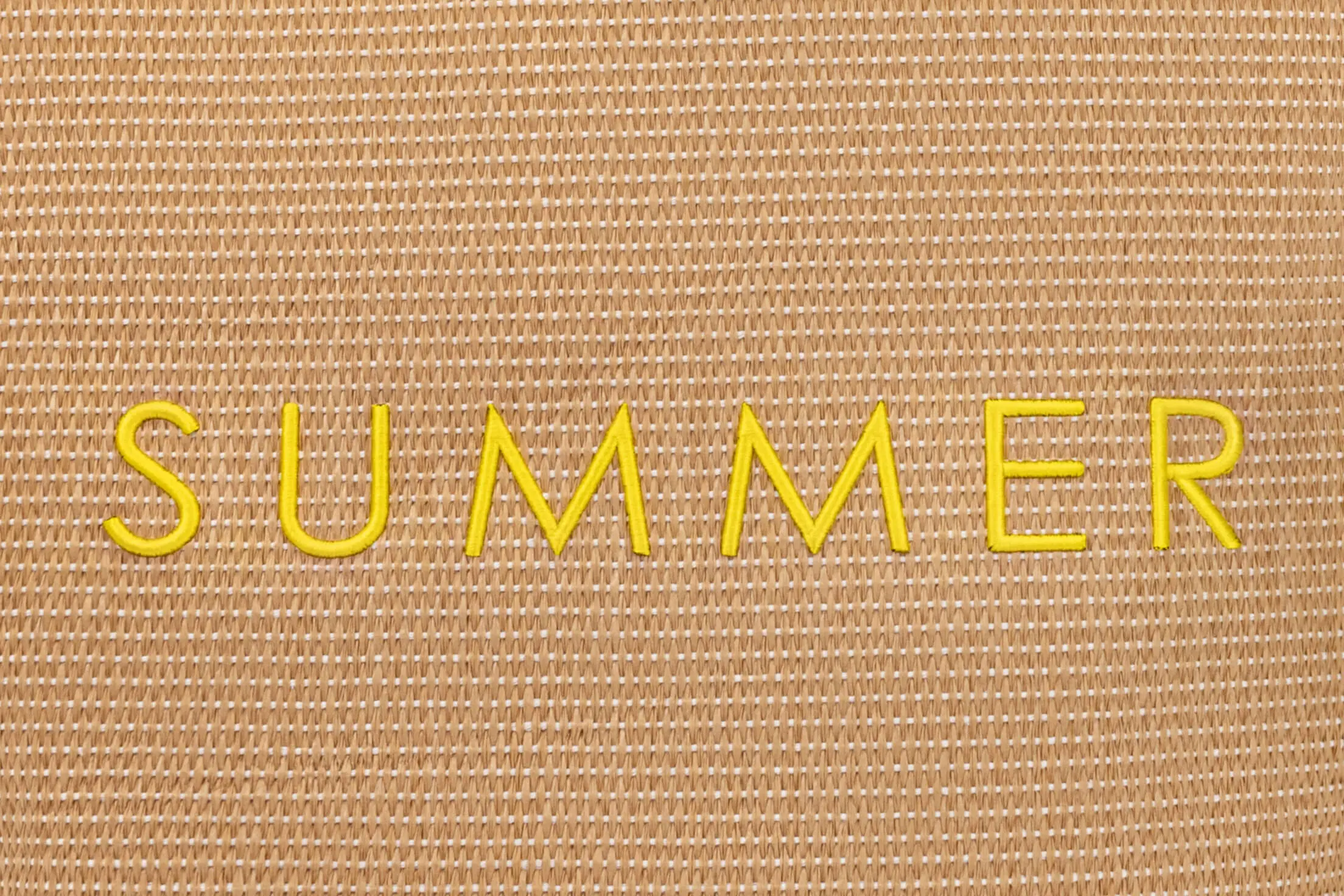
Inspect curves, enclosed spaces and the gaps between adjacent letters at actual size.
- separate letter shapes
- clear enclosed spaces
- balanced thread coverage
Fabric support comes before higher stitch density
More stitches do not automatically improve a weak result. A thin panel can pull around a dense embroidery area and show rippling even when the digitized outline is accurate. Review the actual fabric and backing first. If the combination remains unstable, select a more supportive material, change the artwork scale or simplify the embroidery route.
ISO 4915 stitch classification [1] provides standard terminology for stitch types. It helps teams describe construction consistently, but it does not decide the correct logo density or fabric for a specific tote.
Thin or loosely supported fabric may need a different logo scale, backing or material route.
- fabric weight and stability
- backing route
- puckering around the stitched area
Small letters need spacing, not only more thread
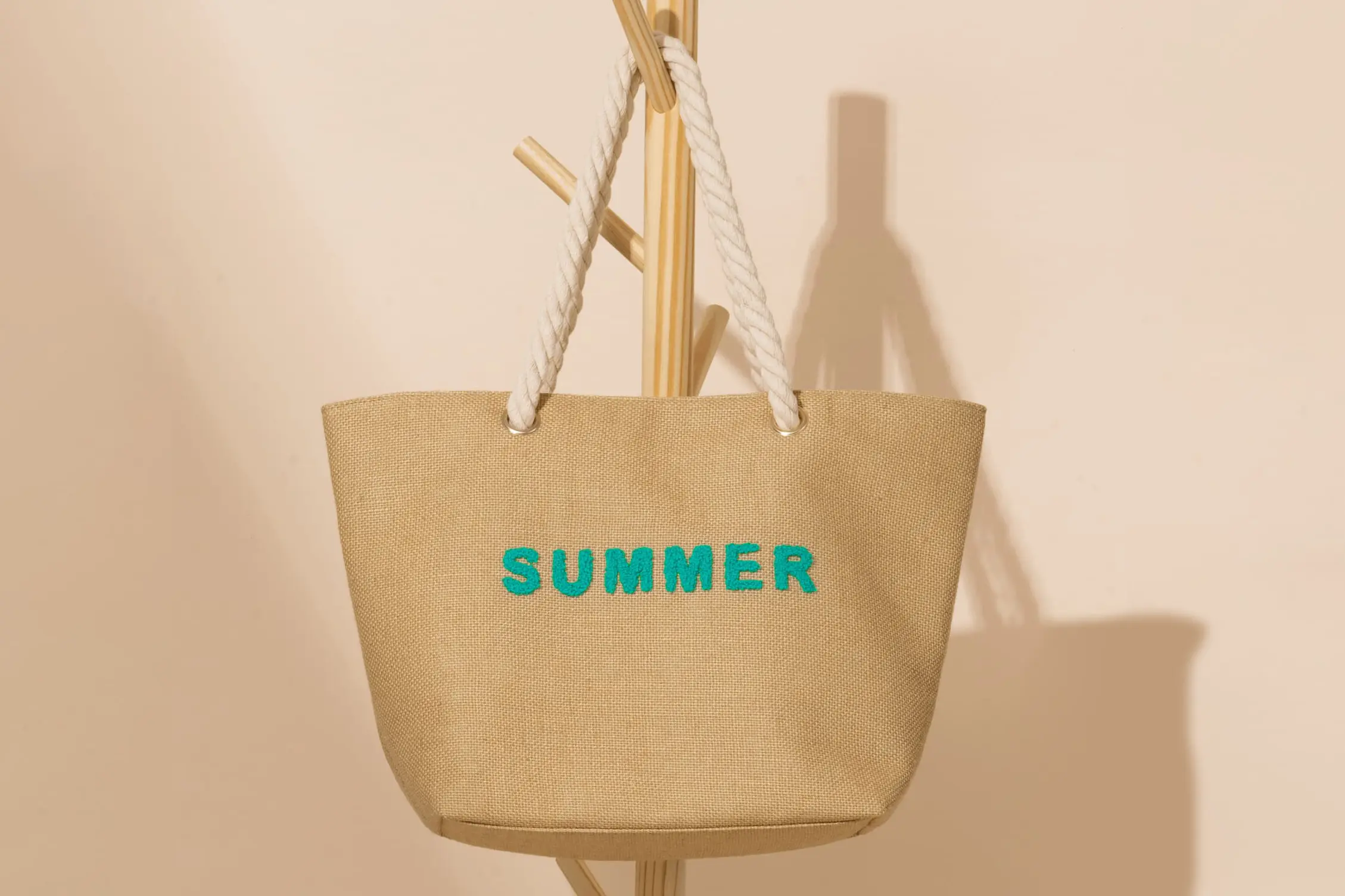
The artwork file may show clean gaps that disappear after digitizing and stitching. Curves, narrow counters and adjacent characters need enough physical room for thread. Compare the sample with the original wordmark, then mark which letters touch or lose shape. The correction can enlarge the logo, open letter spacing, simplify details or change the stitch path.
| Visible issue | Useful correction question | Approval evidence |
|---|---|---|
| Letters join | Can spacing or stitch path preserve the brand shape? | Actual-size front photo and revised sample. |
| Small text blurs | Should the text be enlarged or simplified? | Side-by-side artwork and stitch sample. |
| Panel puckers | Is the material, backing or density unsuitable? | Flat panel view around the full logo. |
| Thread color shifts | Is the approved thread reference recorded? | Thread card beside the physical sample. |
Keep the approved thread reference with the physical sample and artwork record.
- approved thread reference
- actual tote fabric
- stitch-file version
The reverse side belongs in the approval record
Front-only photographs hide backing, thread tails and the finish around the reverse of the logo. This matters on an unlined tote where the inside can remain visible. Photograph the front, reverse and surrounding panel under the same sample ID. Any trimming or backing expectation should be written in the approval notes rather than assumed from a close-up front image.
Record puckering, loose threads, letter connections and any visible backing before approval.
- visible backing
- loose thread tails
- fabric distortion
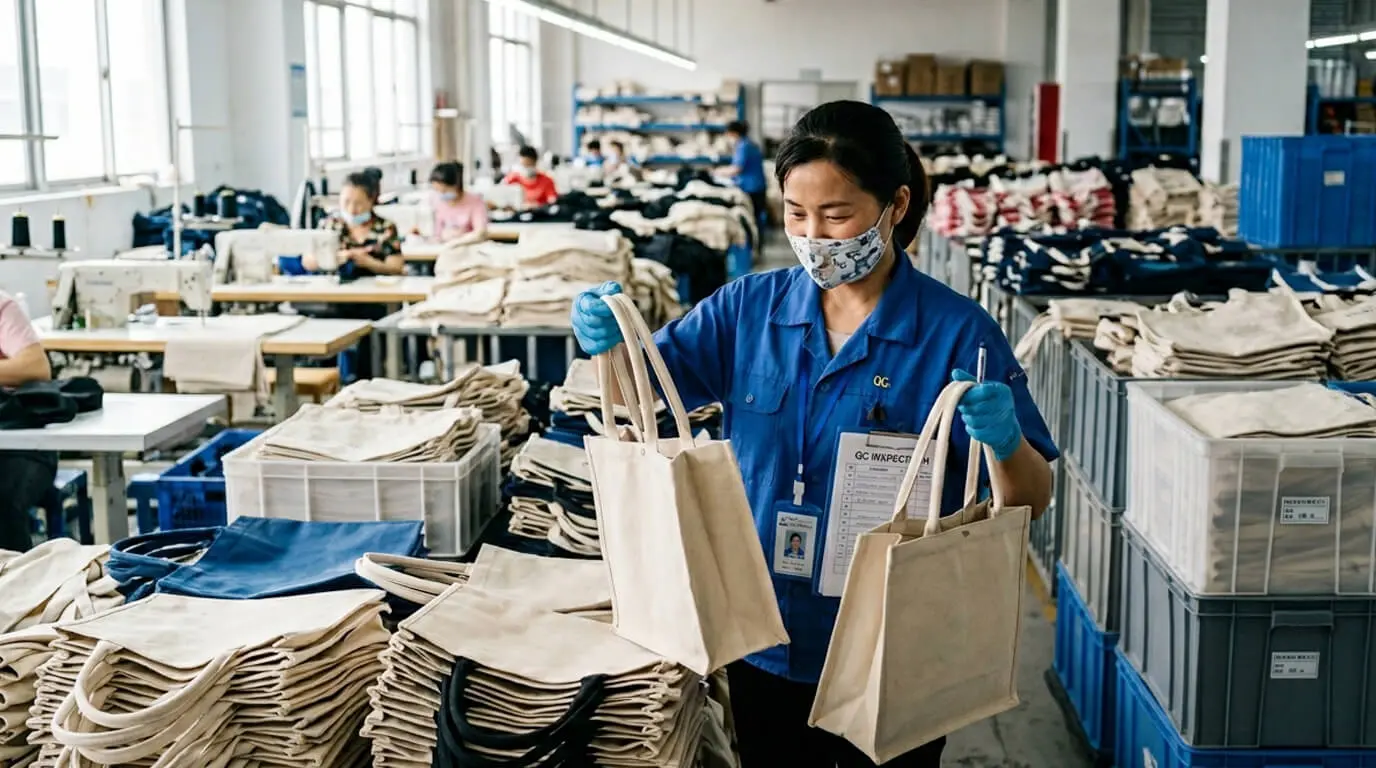
Use a correction loop that production can repeat
1. Artwork lock
Confirm vector file, finished size, thread colors and placement.
2. Stitch trial
Review spacing, small details, backing and fabric response.
3. Full sample
Approve the revised logo on the finished tote at normal viewing distance.
Where a project specifies formal seam-force testing, ISO 13935-2 seam tensile properties [2] offers applicable method context. The order must still define the specimen, method and acceptance limit. The embroidered logo review remains a visual and construction approval tied to the physical sample.
Bulk QC needs the same defect language as sample review
Translate the correction into visible checkpoints: connected characters, unreadable small text, puckering outside the approved area, missing stitches, loose threads, wrong thread color and placement outside tolerance. ISO 2859-1 sampling inspection [3] provides acceptance-sampling context when the project adopts a formal lot-inspection plan; the approved defect definitions still need to come from the order file.
Approve placement and scale from the normal distance at which the product will be seen.
- finished logo width
- placement measurements
- approved visible letter gaps
Projects that benefit from this sample gate
Best fit: MOQ 500+ embroidered tote projects with small lettering, detailed wordmarks, premium retail presentation or visible unlined interiors.
Less suitable: personal one-piece requests, artwork that is not available for review, or projects unwilling to approve the physical embroidery before bulk.
Choose a focused review: Request Embroidery Sample Review or Review Stitching QC.
FAQ
Why can thin tote fabric pucker around embroidery?
Embroidery adds concentrated thread and tension to one area of the panel. A thin or unstable fabric may not support a dense design without visible distortion. Review the actual material, backing, stitch file and finished logo size together. If the panel still puckers, change the fabric route, reduce density or simplify the artwork before bulk approval.
How small can embroidered letters be on a tote bag?
There is no useful universal minimum because letterform, thread, fabric texture, stitch direction and viewing distance all matter. Provide the vector artwork and target finished width, then make a stitch sample at actual size. If counters close or adjacent letters connect, enlarge the text, open the spacing or simplify the type rather than approving an unclear logo.
What causes letters to connect in an embroidered logo?
Closely spaced letters, dense underlay, thick thread paths and a small finished scale can reduce the visible gap between characters. The correction should be checked on fabric, not only on the digitized file. Ask for an updated stitch sample showing the complete word at actual size and compare it with the approved brand artwork.
Should the reverse backing be included in sample approval?
Yes. The reverse view shows backing coverage, thread tails and whether the finish is acceptable for the intended product. A retail tote or unlined tote may expose more of the reverse than a lined construction. Add front, reverse and surrounding-fabric photos to the approval file so production and QC use the same visual reference.
Is thread color approval enough for bulk embroidery?
No. Thread color is one checkpoint, while clarity, spacing, puckering, placement, finished dimensions and backing are separate checkpoints. Keep the approved thread reference with the physical sample, but also record the stitch-file version and logo width. This prevents a correct color from masking a different scale or construction.
Can MOQ 500+ embroidered totes be reviewed?
MOQ 500+ can be reviewed, subject to material availability, artwork complexity, thread colors, tote construction and version count. Send all logo versions and target quantities before sampling. Multiple small artwork versions may require separate digitizing and approval, so the quote should distinguish setup, sample and bulk production scope.
Sources
About the Author
 |
Zoe Yu is B2B Sales Manager at Ecoicolortote, supporting overseas brand buyers with custom tote RFQs, material and logo review, sampling, packing and bulk production coordination. |
Send Tote RFQView Embroidered Tote Route